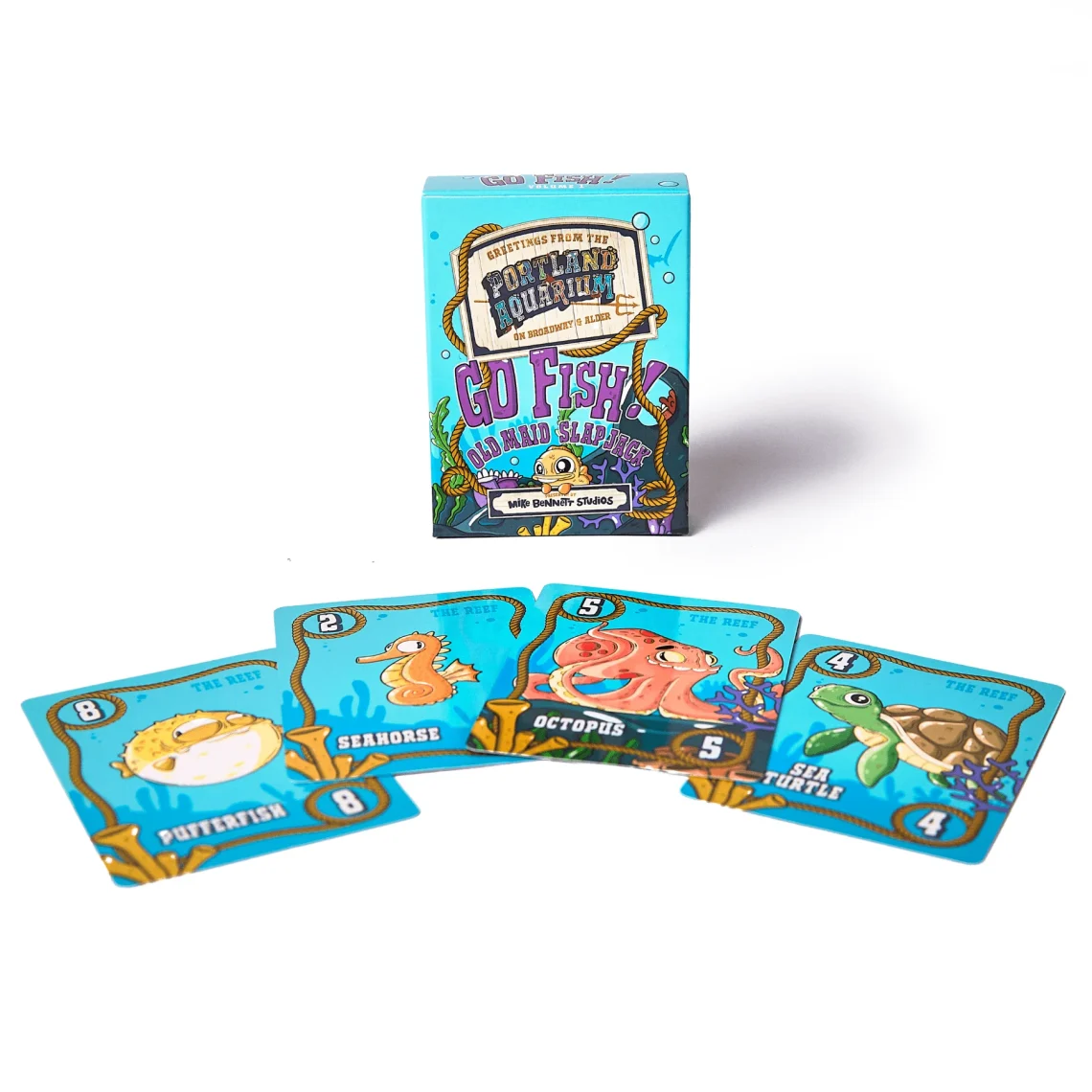
electriccordsinc.com – A good PNG can make a simple Go Fish page feel instantly “real.” A crisp card back, a clean title graphic, a tiny fish icon for section breaks—small visuals do a lot of heavy lifting, especially when readers are skimming on mobile. That’s why people search go fish card game png: they want an image that looks sharp, loads fast, and doesn’t turn into a blurry mess when resized.
The trick is knowing what kind of PNG you actually need: a printable card, a web graphic, or an icon set. Each one has different sizing and export rules.
What “PNG” is doing for Go Fish content
PNG is best when you need:
-
sharp edges (text, line art, simple illustrations)
-
transparency (so the image can sit on any background)
-
consistent quality after resizing (within reason)
For photos, JPEG is often smaller. For icons and flat artwork, PNG wins—especially if you want transparent backgrounds.
Choose your goal first: print, web, or social
Printable Go Fish cards
If you’re making cards people can print, design at real-world size first.
Common card size (poker size): 63 × 88 mm.
For clean printing, build files at 300 DPI.
A practical setup:
-
Card face canvas: 63 × 88 mm @ 300 DPI
-
Add bleed: 3 mm each side (so your export art is 69 × 94 mm)
-
Keep safe margins: at least 4–5 mm inside the trim line for text and key icons
PNG can work for print, but many printers prefer PDF for full sheets. Still, a high-res PNG is useful when you’re assembling print sheets elsewhere.
Website graphics (blog headers, in-article images)
For a header image, you want enough width for sharpness but not so big it slows the page.
Good starting sizes:
-
Blog header: 1200 × 675 px (nice 16:9 ratio)
-
Social preview friendly: 1200 × 628 px
-
In-article illustration: 1000–1200 px wide
Keep the PNG only as large as needed. Oversized assets are the silent killer of load speed.
Icons and UI elements
If you need small decorative elements (fish icons, small card symbols), PNG with transparency is perfect.
Common icon export sizes:
-
256 × 256 px (general use)
-
512 × 512 px (for sharper scaling)
-
Export 2× sizes if your site supports high-density displays
Transparent background: when it helps (and when it hurts)
Use transparent PNG when:
-
the image sits on multiple background colors
-
you’re placing icons inline near text
-
you want a clean overlay on patterns or gradients
Avoid transparency when:
-
you’re exporting a “printable card face” that must look identical everywhere
(solid background colors prevent weird printer interpretation and banding)
Keep the artwork “card-like” without copying existing decks
A common mistake is trying to replicate branded or copyrighted card artwork. You don’t need that.
Safer, cleaner approach:
-
use simple suits/ranks in a neutral style
-
use public-domain or properly licensed icons/illustrations
-
build a consistent “Go Fish” theme (waves, bubbles, simple fish silhouettes) that’s original
Your PNG assets should support learning, not mimic commercial decks.
Export settings that stop your PNG from looking soft
If you’re exporting from Canva, Figma, Photoshop, or similar tools:
-
Export at 1× for normal web use, 2× if text is small
-
Turn on “transparent background” only if needed
-
Avoid heavy drop shadows on tiny elements (they look muddy on compression)
-
If the PNG includes text, check it at 100% zoom before publishing
(text is where “looks fine” becomes “why is this fuzzy?”)
If you see blur on thin lines, slightly increase line weight and re-export. PNG doesn’t fix fragile design.
File naming and organization (small thing, big payoff)
Use filenames that stay readable in a media library:
-
go-fish-card-back-1200x675.png -
go-fish-icon-fish-512.png -
go-fish-title-graphic-transparent.png
If you’re building a library, keep a simple folder structure:
-
/go-fish/print/ -
/go-fish/web/ -
/go-fish/icons/
Your future self will thank you.
Where to place the PNG inside a Go Fish article
The best placements are functional:
-
a header image that signals the topic
-
a small “how to play” diagram (draw pile, discard pile, books)
-
icon bullets for rules sections
-
a printable quick-reference graphic
If you want a subtle internal-link prompt, a clean caption like “Quick reference: go fish rules” works well without turning the page into a sales pitch.
A strong go fish card game png isn’t about fancy art—it’s about the right size, clean edges, and the right background choice for where it will be used. Build for print at 63 × 88 mm (300 DPI), build for web around 1200 px wide, and use transparency only when it genuinely helps. Do that, and your Go Fish visuals will look crisp everywhere they appear.
